15 Wordpress Plugins To Sell Digital Games Online | Monetizing Your Passion
Selling Digital Games Through WordPress Has Never Been Easier
Building a successful digital game store can feel overwhelming when you're just starting. Between managing game keys, setting up payments, and ensuring secure delivery, the technical hurdles seem endless. I've spent years working with indie developers and game retailers who struggled with these exact challenges.
The gaming industrycontinues to grow exponentially, with digital sales now dominating the market. More indie developers are choosing to sell directly through their own platforms rather than relying solely on major marketplaces. This shift gives creators better control over their revenue and customer relationships.
WordPress offers the perfect foundation for this business model. With the right plugins, you can transform your site into a fully functional game store without writing a single line of code. From automated key delivery to subscription management, these tools handle the heavy lifting while you focus on growing your business.
Key Takeaways
- Focus on Security First: Your top priority should be plugins that create expiring, secure download links and offload files to cloud storage like Amazon S3. Don't rely on WordPress for large file hosting.
- Licensing is Non-Negotiable: If you sell PC games with Steam or native license keys, you must integrate a Key Manager plugin to automate the delivery of unique serial numbers.
- Choose the Right Base: Evaluate whether your store needs the expansive features of WooCommerce or the streamlined, digital-first simplicity of Easy Digital Downloads (EDD).
- Prioritize Performance: For flash sales or high traffic, look at the next-generation, high-performance e-commerce solutions like SureCart and FluentCart to reduce database bloat.
Understanding The Digital Game Sales Landscape
The digital games market has evolved dramatically over the past decade. Indie developers now have unprecedented opportunities to reach global audiences without traditional publishing barriers. Direct sales through personal websites offer higher profit margins compared to platform fees that can reach 30% or more.
WordPress emerged as the preferred choice for game sellers due to its flexibility and extensive plugin ecosystem. The platform powers millions of e-commerce stores worldwide, offering proven reliability for digital product distribution. Game developers benefit from complete ownership of their customer data and sales channels.
Security remains paramount when selling digital products. License key systems prevent unauthorized distribution while payment gateways ensure safe transactions. Modern WordPress plugins address these concerns with sophisticated encryption and automated delivery systems.
1. Easy Digital Downloads

Easy Digital Downloads stands as the leading WordPress plugin specifically designed for digital product sales. Unlike general ecommerce solutions bloated with shipping features, this plugin focuses exclusively on what digital sellers actually need. The interface makes adding game files and generating download links surprisingly straightforward.
The plugin handles variable pricing effortlessly, allowing you to offer different editions of your games. Software licensing extensions enable activation limits and automatic updates, crucial features for game developers. Payment processing integrates seamlessly with Stripe, PayPal, Apple Pay, and Google Pay.
Built-in reporting tools track purchase history, revenue trends, and conversion rates without requiring additional plugins. You can monitor which games perform best and adjust your marketing strategy accordingly. The free core version works perfectly for simple game stores, while premium features unlock advanced capabilities for growing businesses.
2. WooCommerce With Digital Product Extensions

Create A Downloadable Product Within WooCommerce
WooCommerce dominates the WordPress ecommerce landscape with good reason. It powers millions of online stores globally and offers the largest library of extensions, themes, and integrations. The platform provides unmatched flexibility for stores selling both digital and physical gaming merchandise.
Setting up digital downloads requires the free WooCommerce plugin plus specific extensions. The Digital Downloads extension streamlines checkout by removing unnecessary shipping fields. This creates a faster purchasing experience that reduces cart abandonment rates.
The extensive marketplace offers hundreds of compatible extensions for advanced functionality. From subscription management to affiliate marketing tools, you can customize your store exactly how you envision it. WooCommerce also benefits from exceptional community support and comprehensive documentation.
3. WC Serial Numbers
How to Install the WC Serial Numbers Plugin for Free | WooCommerce | PluginEver
WC Serial Numbers transforms WooCommerce into a powerful license management system. The plugin automates delivery processes by generating and sending keys to customers after successful payment, eliminating manual intervention and reducing errors. This automation saves countless hours while improving customer satisfaction.
The plugin supports both manual key entry and bulk CSV imports for existing key inventories. Auto-generation creates unique codes following your specified format and length. Expiry controls let you set time limits or create permanent licenses depending on your product requirements.
Activation tracking records dates, counts, and user information for each key, providing comprehensive usage history. API integration enables license verification directly within your games or software. The dashboard displays all key-related data at a glance, making inventory management remarkably simple.
4. WC Key Manager
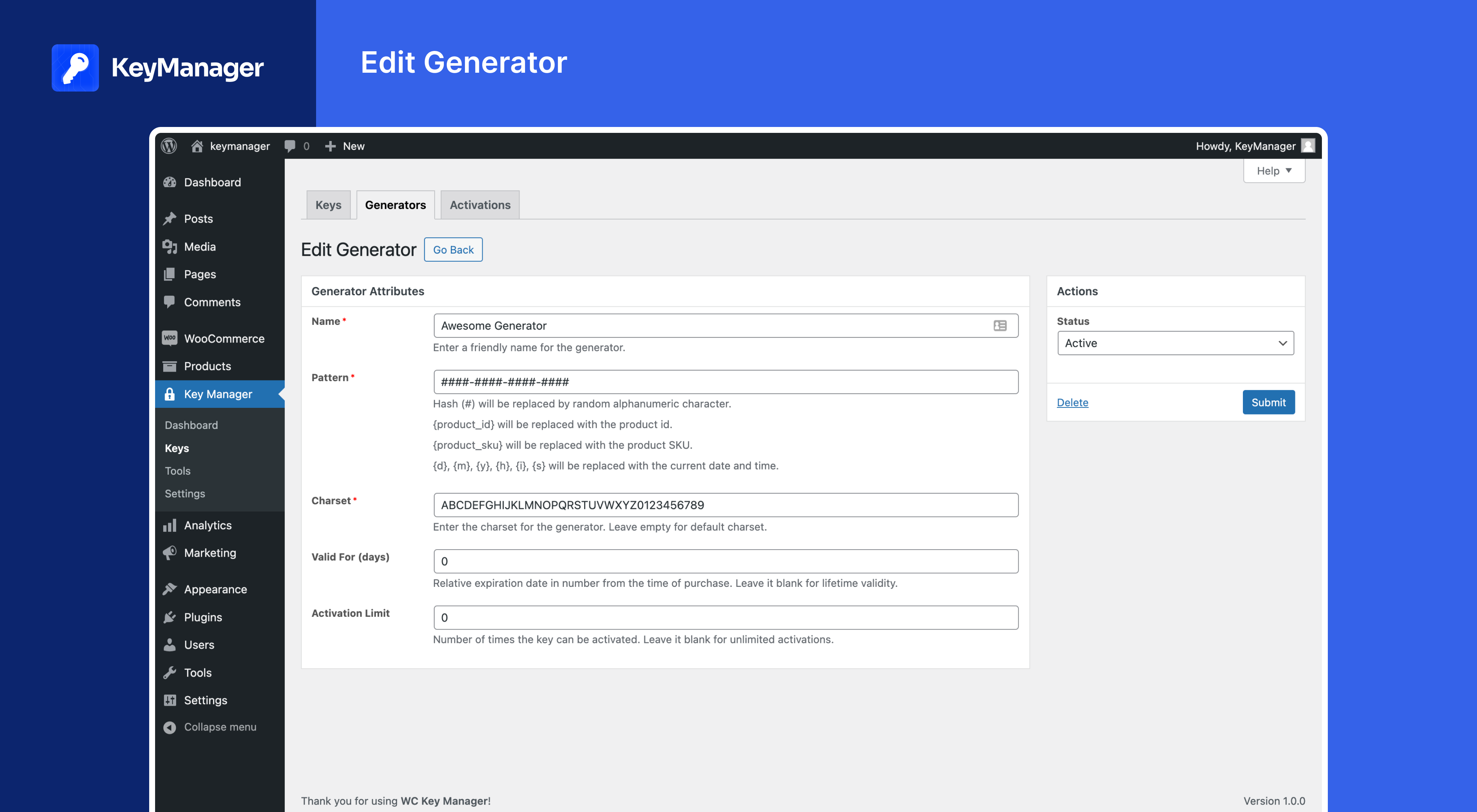
WC Key Manager offers another robust solution for license key distribution through WooCommerce. The plugin enables selling software licenses, game keys, gift cards, PIN codes, and serial numbers with secure automated delivery. Custom key generation, bulk operations, and expiry controls provide comprehensive management capabilities.
The system delivers keys through multiple channels for customer convenience. Purchasers receive codes via email and can access them through their account dashboard. This redundancy ensures customers never lose access to their purchases.
Variable product support allows different keys for each variation of your games. This proves invaluable when offering different editions or platform-specific versions. The plugin also tracks activation metrics to help prevent fraud and unauthorized sharing.
5. Download Monitor

Download Monitor provides granular control over how customers access your game files. The plugin creates a dedicated management interface within WordPress for uploading files and tracking downloads. You can insert clean, customized download links throughout your posts and pages.
Multiple version support lets you maintain different game builds simultaneously. Customers can select which version to download based on their platform or preferences. Categorization and tagging systems help organize large game libraries efficiently.
Members-only downloads require users to log in before accessing files. This restriction works perfectly for beta testing or exclusive content. The plugin logs all download activity, providing valuable insights into which games attract the most interest.
6. WPForms Pro
WPForms Pro offers an alternative approach to selling digital games without full shopping cart systems. The form builder integrates payment processing directly into custom order forms, setting up faster than traditional ecommerce platforms. This streamlined method suits developers selling a limited number of titles.
Creating product forms takes minutes using the drag-and-drop interface. You can accept payments through Stripe or PayPal while collecting customer information simultaneously. The system automatically delivers download links after successful transactions.
Coupon functionality includes expiry dates for managing seasonal promotions and generating higher sales. Order logging tracks amounts, buyer details, and payment status through the entries screen. Refund management syncs automatically when processed through payment gateways.
7. Paid Memberships Pro

Paid Memberships Pro Review - Is This The Best Free WordPress Membership Plugin?
Paid Memberships Pro excels at creating subscription-based access to game libraries. The plugin restricts content to paying members, perfect for offering monthly game releases or exclusive beta access. Installation and configuration remain beginner-friendly despite powerful capabilities.
The tool integrates six payment gateways and provides content restriction functionality with over sixty add-ons for complete customization. Membership levels can be structured with different access tiers and pricing options. This flexibility accommodates various business models from simple memberships to complex subscription systems.
Drip content features release games gradually to maintain engagement. You can schedule automatic access grants as subscriptions continue. The member management dashboard displays renewal dates, payment history, and subscription status at a glance.
8. WordPress Simple PayPal Shopping Cart
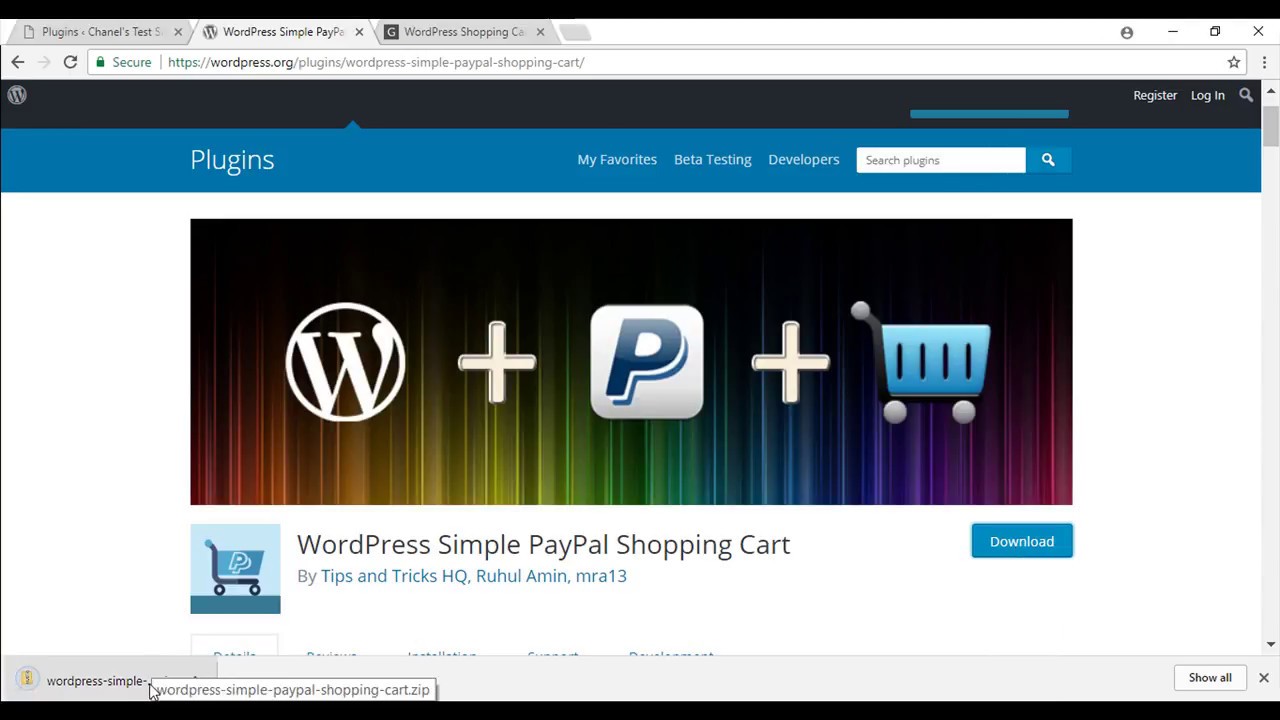
WordPress Simple Shopping Cart Plugin Usage
WordPress Simple PayPal Shopping Cart strips away unnecessary complexity for straightforward game sales. The plugin adds shopping cart functionality through simple buttons inserted anywhere on your site. Customers can purchase multiple games in a single transaction through the PayPal checkout.
Setting up products requires only images, descriptions, and prices. The generated cart buttons integrate seamlessly into posts, pages, or widgets. This simplicity makes it ideal for developers who want to start selling quickly without extensive setup time.
The plugin handles all transaction security through PayPal's established infrastructure. No sensitive payment data touches your server, reducing compliance concerns. Email notifications keep both you and your customers informed about order status automatically.
9. MyArcadePlugin Ultimate
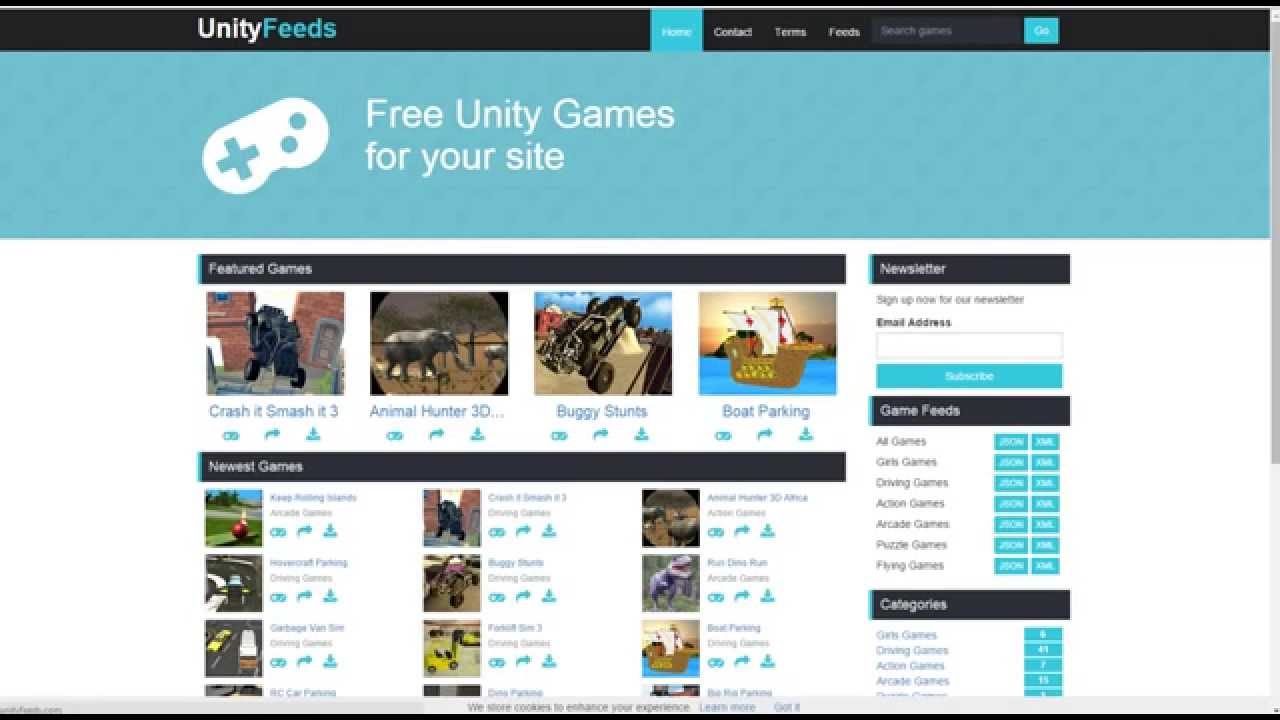
How to Configure MyArcadePlugin Pro
MyArcadePluginUltimate serves developers creating comprehensive game portals. The system imports thousands of games from popular distributors with minimal clicks, featuring powerful game management capabilities. Built-in score tracking and leaderboards encourage repeat visits from competitive players.
The plugin works flawlessly on mobile devices, with fully responsive themes optimized for the mobile gaming world. Automated publishing eliminates maintenance work, creating what developers call a "turnkey arcade" solution.
Revenue optimization features display strategic ad placements during game loading and on landing pages. The platform supports all types of mobile gaming genres, whether it's simple arcade titles or demanding competitive games like Battlegrounds Mobile India, ensuring the portal is fully optimized for speed and engagement.
Multiple monetization options include advertising, premium memberships, and in-game purchases. The platform supports revenue share programs from game distributors who pay for clicks on in-game advertising. Schema markup and fast loading speeds help sites rank higher in search results.
10. WP EasyCart
WP EasyCart provides a middle ground between sim
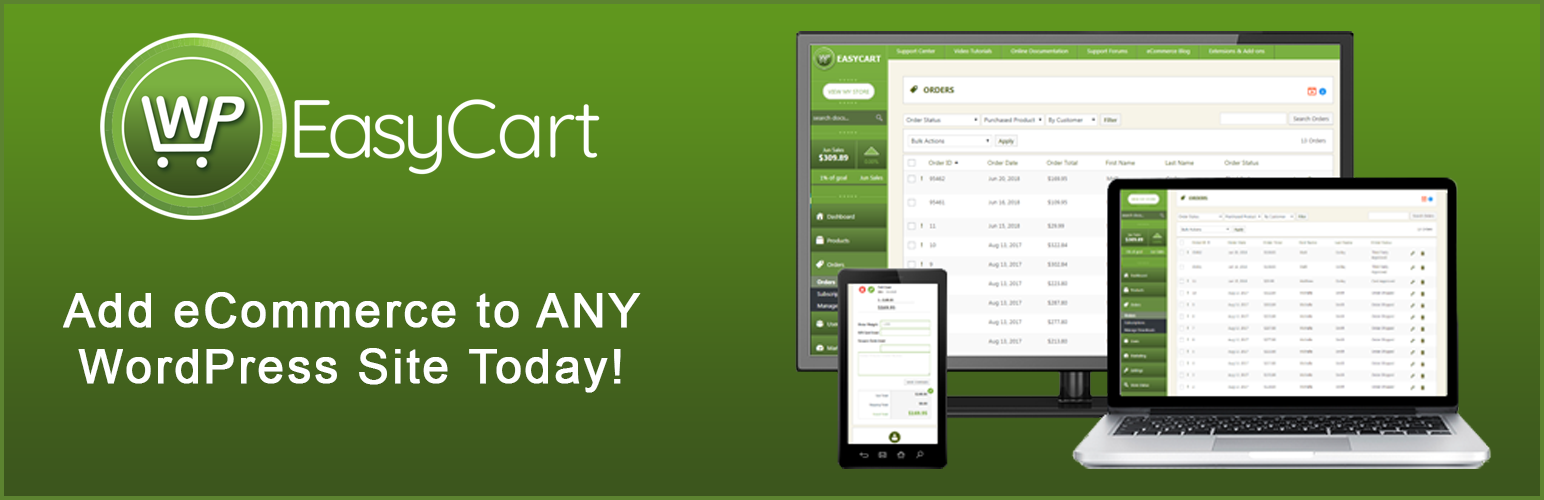
plicity and feature richness. The plugin handles physical products, digital downloads, subscriptions, and invoice payments through a unified interface. Integration with email marketing services helps build customer relationships beyond individual sales.
The free core version offers surprising capabilities for small game stores. Premium plans remain affordable while unlocking advanced extensions and features. Live shipping rates and inventory management accommodate stores selling physical gaming merchandise alongside digital titles.
The interface prioritizes user experience, making it accessible even for non-technical store owners. Setup wizards guide you through essential configurations without overwhelming options. This efficiency lets you launch your store faster and focus on marketing instead of technical details.
11. Stripe Payment Gateway
[Latest 2021] How Do You Integrate Stripe Payment Gateway & Accept Credit Cards | Checkout PHP
Stripe stands out as the premier payment processor for WordPress game stores. The gateway integrates seamlessly with popular WordPress plugins, accepting payments from customers worldwide with support for over 100 currencies. Advanced fraud detection protects both your business and customers from suspicious transactions.
Payment method diversity includes credit cards, debit cards, Apple Pay, and Google Pay. Stripe Link saves customer payment information for expedited future purchases. This convenience improves conversion rates by reducing friction during checkout.
The dashboard consolidates all payment management within WordPress. You can process refunds, view transaction history, and generate financial reports without switching platforms. Stripe's reliability and security have made it the preferred choice for digital product sellers globally.
12. MemberPress

MemberPress specializes in selling digital access through membership structures. The plugin works exceptionally well for game developers offering subscription content libraries or premium community access. Users consistently rate it above 4.7 out of 5 stars across review platforms, highlighting the intuitive setup wizard and flexible content rules.
Drip content scheduling releases games automatically according to membership duration. You can create multiple membership tiers with different game access levels and pricing structures. This versatility supports various business models from premium content sites to exclusive beta testing groups.
The plugin generates detailed analytics showing membership retention, revenue forecasts, and subscriber growth trends. Automated email reminders reduce churn by prompting renewal before subscriptions expire. Integration with payment processors ensures smooth recurring billing without manual intervention.
13. BigCommerce For WordPress
BigCommerce for WordPress Tutorials: What is BigCommerce for WordPress?
BigCommerce for WordPress adopts a headless ecommerce approach, separating frontend and backend operations. Your WordPress site handles content presentation while BigCommerce manages transaction processing and inventory. This architecture delivers enterprise-level scalability without overwhelming your hosting infrastructure.
The platform particularly suits stores anticipating high order volumes. Backend processing power handles traffic spikes during game launches or sales events. Security measures and compliance requirements fall under BigCommerce's responsibility, reducing your administrative burden.
WordPress retains control over design and content strategy. This hybrid approach combines WordPress's flexibility with BigCommerce's ecommerce expertise. Migration between traditional WordPress ecommerce remains possible if your needs change over time.
14. SureCart
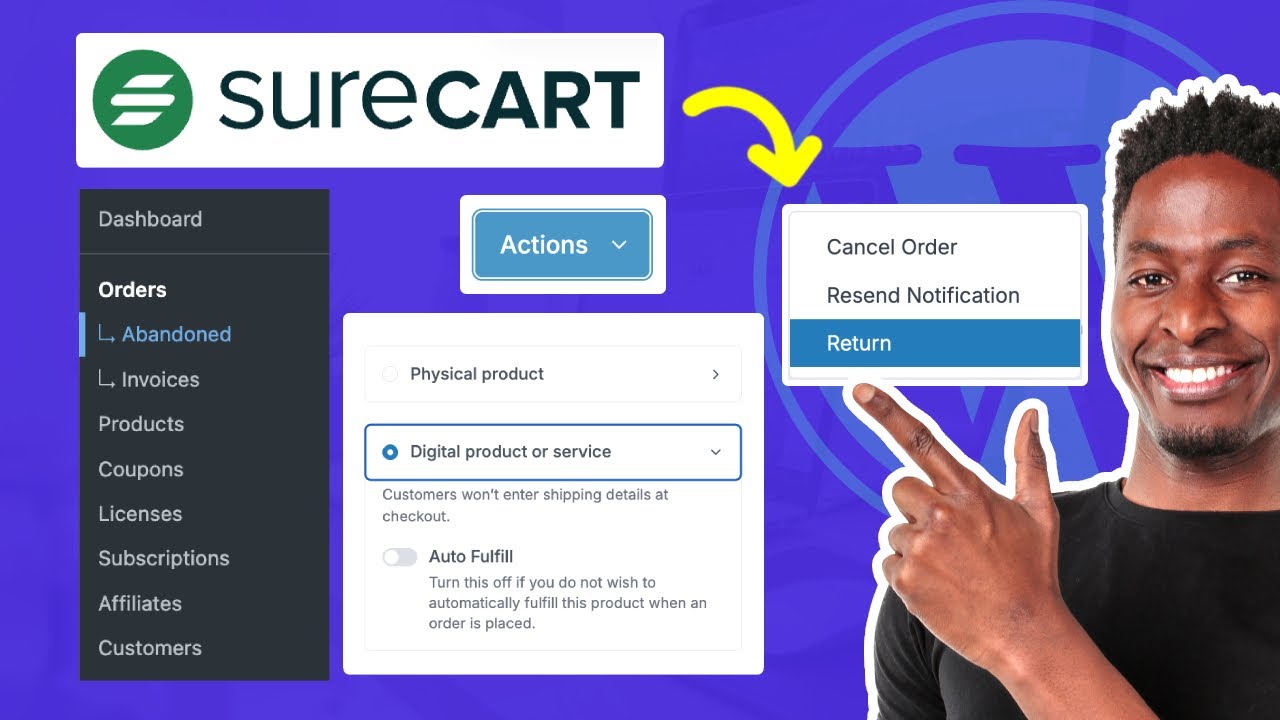
is SureCart worth the hype? my first Impressions and selling online
SureCart represents a newer generation of WordPress ecommerce solutions emphasizing performance. The plugin promises lightweight operation while delivering comprehensive feature sets. This efficiency results in faster page loads and improved customer experience.
Cart abandonment recovery automatically follows up with customers who leave without completing purchases. Email sequences can be customized to match your brand voice and offer incentives for return. These recovery efforts typically recapture significant lost revenue with minimal additional work.
The modern interface reflects current design trends and user expectations. Checkout optimization reduces friction points that cause purchase abandonment. One-click upsells and cross-sells boost average order values by suggesting complementary titles during the buying process.
15. Ecwid Ecommerce Shopping Cart

Ecwid Review 2024 | Ecommerce Shopping Cart & Online Store!
Ecwid enables selling games across multiple channels from a single control panel. The plugin connects your WordPress store with social media platforms and marketplaces simultaneously. This multichannel approach expands your potential customer base beyond your website alone.
Setup simplicity makes Ecwid attractive for developers wanting to start selling immediately. The system doesn't require deep technical knowledge or extensive customization time. Responsive design ensures consistent shopping experiences across all devices automatically.
Inventory synchronization keeps stock levels accurate across all sales channels. When someone purchases a game key, the system updates availability everywhere instantly. This prevents overselling and the customer service headaches that follow.
See Also: Best WordPress SEO Plugins
Frequently Asked Questions
What Payment Methods Can I Accept When Selling Games Through WordPress?
Most WordPress ecommerce plugins support major payment gateways including Stripe, PayPal, credit cards, debit cards, Apple Pay, and Google Pay. Some plugins also accommodate regional payment methods and cryptocurrency, depending on your target market.
How Do I Prevent Unauthorized Distribution Of My Game Files?
License key systems verify purchases before allowing downloads or activation. You can set download limits, expiration dates, and activation restrictions per purchase. Some plugins track IP addresses and device information to identify suspicious sharing patterns.
Can I Sell Games In Multiple Currencies?
Yes, payment gateways like Stripe support over 100 currencies automatically. Most ecommerce plugins detect customer location and display prices in their local currency. You can also manually set pricing for specific regions to optimize conversions.
Do I Need Coding Knowledge To Set Up A Game Store?
No coding skills are required for basic setup with modern WordPress plugins. Most offer intuitive interfaces, setup wizards, and drag-and-drop builders. Advanced customization might benefit from developer knowledge, but core functionality works perfectly out of the box.
How Do Automated Key Delivery Systems Work?
When customers complete purchases, the plugin automatically generates or assigns license keys and sends them via email. Keys also appear in customer account dashboards for easy access. This automation eliminates manual processing and delivers instant gratification to buyers.
Can I Offer Refunds To Customers Who Purchase Digital Games?
Yes, all major payment processors support refunds which can be issued directly from your WordPress dashboard. Some plugins automatically update order status when refunds process. Establish clear refund policies to manage customer expectations and reduce disputes.
What Happens If My Game Files Are Too Large For My Hosting?
Many developers use external file hosting services or content delivery networks for large game files. Plugins can link to these external locations while handling licensing and payment processing. This approach reduces hosting costs and improves download speeds globally.
How Can I Protect Against Fraudulent Purchases?
Payment gateways include built-in fraud detection analyzing suspicious patterns. You can set risk thresholds that automatically flag or reject high-risk orders. Additional verification steps like two-factor authentication add extra security layers for high-value purchases.
Final Thoughts
Setting up a WordPress-based game store opens new revenue streams without sacrificing control over your business. The plugins covered here range from simple solutions for individual developers to comprehensive platforms supporting massive game libraries. Your specific needs will determine which combination works best for your situation.
Start with your core requirements before selecting plugins. Consider factors like expected sales volume, game file sizes, licensing complexity, and desired payment methods. Most plugins offer free versions or trials, allowing you to test functionality before committing to premium plans.
Remember that successful game sales extend beyond just technical setup. Marketing, community building, and customer service play equally crucial roles in long-term success. The right WordPress plugins handle the technical foundation efficiently, freeing you to focus on these strategic growth areas that truly differentiate your game store from competitors.
Conclusion
Selling digital games on WordPress can be highly rewarding with the right tools. From intuitive setups with Easy Digital Downloads to versatile options with WooCommerce, and specialized plugins for licenses, memberships, and gamification, the choices fit all game types and budgets.
Focus on security, smooth player experience, and strategic monetization beyond single sales. Well-rounded setups that address anti-piracy, updates, and community engagement turn casual buyers into loyal gamers.
If you create games or run a digital game store on WordPress, these 15 plugins provide everything needed to make sales seamless, secure, and scalable. Your ideal plugin depends on your unique game and business model, so start by defining your goals, then choose the mix that fits perfectly.
If you found this overview useful, please share it with your fellow game developers or subscribe for more insights on game marketing and WordPress tips!