12 Quiz Plugins For WordPress - Complete Comparison Guide 2025
A good quiz plugin can turn your WordPress site into a tool that not only holds attention but also collects email addresses, suggests content based on user answers and creates fun, memorable experiences people want to share.
These plugin options listed here cover the full range, high-end plugins packed with marketing tools, solid mid-range choices that offer good value and free versions that may already do everything you’re looking for.
1. Quiz Maker By AYS Pro
Quiz Maker offers more than many paid tools. You can build as many quizzes as you want, with no limits on questions, answers or how many people take them. It works for scored quizzes, personality tests, trivia games, and surveys.
It supports many question styles, multiple choice, true or false, short answers, numbers, dropdowns and checkboxes. You can also add images or videos to make your quizzes more engaging. Results pages can be customized to show different messages based on how someone answered or their score.
The paid version costs $79 a year and adds email integrations with services. This plugin works well for teachers making classroom tests, trainers building certification quizzes, or bloggers and small businesses looking to collect leads without paying monthly fees.
2. Thrive Quiz Builder
Thrive Quiz Builder is built for marketers who see quizzes as serious tools for generating leads, not just fun extras. It costs $99 a year or comes with the full Thrive Suite for $299 a year.
Its editor is clean and modern, letting you drag and drop elements, pick fonts, match your brand colors and make sure your quiz looks great on any device.
It works well with email tools, depending on how someone answers, they can be sent into different email sequences, tagged for specific campaigns or moved into the right part of your marketing system.
3. Formidable Forms
Free Formidable Forms WordPress Plugin Tutorial
Formidable Forms treats quizzes like smart forms. If you already use it for contact forms, calculators or directories, adding quizzes is easy, no extra plugins needed. The Pro plan for $199.50 a year includes quiz features along with all its form tools.
The importance of conditional logic in forms, helps questions change based on earlier answers, sending users down different paths for a more personal experience. Quiz results can also show up elsewhere on your site.
You can turn responses into charts and graphs right on your dashboard, so you don’t need to export data to understand what’s working.
4. Quiz And Survey Master
Free WordPress Quiz Plugin | Create Quiz Website | Quiz And Survey Master Plugin Tutorial
Quiz and Survey Master (QSM) gives you a solid free version and lets you add only the features you need through paid add-ons starting at $129 a year. It handles unlimited quizzes, questions and users.
You get standard question types like multiple choice, fill-in-the-blank, number entry, and more. Instead of one big package, you buy only what you need like MailChimp sync for $39, better reports for $79 or logic branching for the same price.
Moving quizzes between sites is easy thanks to import and export tools. It also creates downloadable certificates. It’s a smart pick if you want specific advanced features without paying for a full premium suite.
5. HD Quiz
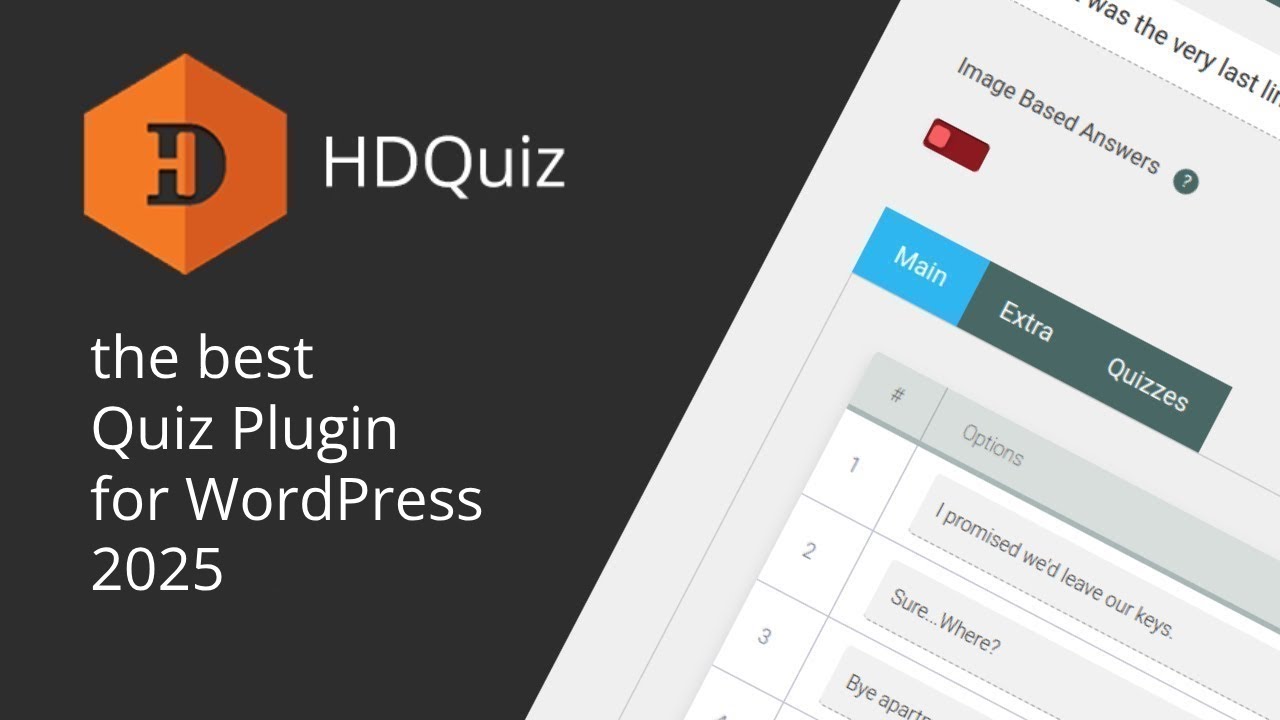
HD Quiz works inside WordPress’s block editor Gutenberg. You build quizzes right in the editor, each question is its own block that you can move, copy or change just like any other content.
The free version lets you create unlimited quizzes using multiple choice and text questions. You can even add GIFs from Giphy to make things more fun. A timer option helps add pressure for contests or timed tests.
The Pro version is a one-time $39 and mostly just removes branding and adds support, it doesn’t unlock major new features. That’s great value if you only need basic quizzes, but it won’t grow with more complex needs. It’s the smoothest option for Gutenberg users who don’t need bells and whistles.
6. Quiz Cat

Quiz Cat is made for marketers who want to collect email addresses using personality quizzes. The free version lets you create as many quizzes as you want. Each includes an email sign-up form, connects to MailChimp and lets you change the results people see. It only supports image-based multiple-choice questions.
Setting up a quiz is straightforward, add your questions, possible answers and the outcome pages. You can drag questions to reorder them, edit several at once and set up different paths based on answers all without needing tech skills.
Someone might find out “What Kind of Entrepreneur You Are” or “Which Marketing Strategy Suits Your Business.” They’re usually happy to give their email in exchange for a full report. For $97 a year, the Pro version adds ConvertKit support, lets you send each result to its own landing page and shows how many quiz takers actually become customers.
7. WP Viral Quiz
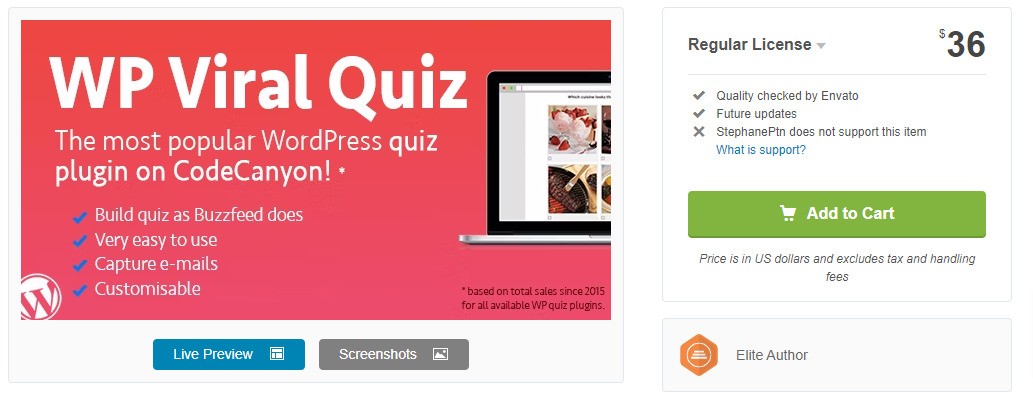
WP Viral Quiz brings the BuzzFeed quiz styleto WordPress. It’s built for fun, image-driven personality quizzes. People answer questions with big, eye-catching pictures and get results they’re excited to post online. The whole setup taps into what makes quizzes go viral.
Every question uses large images that users tap or click to answer. This works especially well on phones, where most social sharing happens. It also handles Facebook sharing well. When someone posts their result, it shows up in feeds with the right image, title, and description to get more clicks.
The free version caps you at 10 questions per quiz and adds the plugin’s logo to results. Pay $47 a year for the Pro version to remove those limits and get basic performance stats. This tool doesn’t focus on scored quizzes. Integrations are limited and you won’t get the same lead-nurturing features as with marketing-first tools.
8. H5p

H5P is a free, open-source platform that lets you create many kinds of interactive content, not just quizzes, but also presentations, timelines, games and especially interactive videos. With over 50 content types, it supports multiple-choice, drag-and-drop, fill-in-the-blank, and videos that pause to ask questions, helping keep learners focused.
Content made in H5P can be reused across different pages or websites, which schools and training teams find useful. It’s built with accessibility in mind, meeting WCAG standards and working well with screen readers and keyboard movement.
Its interface isn’t simple, especially if you only need basic quizzes. Tracking is limited too, you’ll know who completed an activity, but not how they answered unless you connect it to a learning management system.
Read Also: SEO Checklist For A WordPress Dating Site
9. WPForms
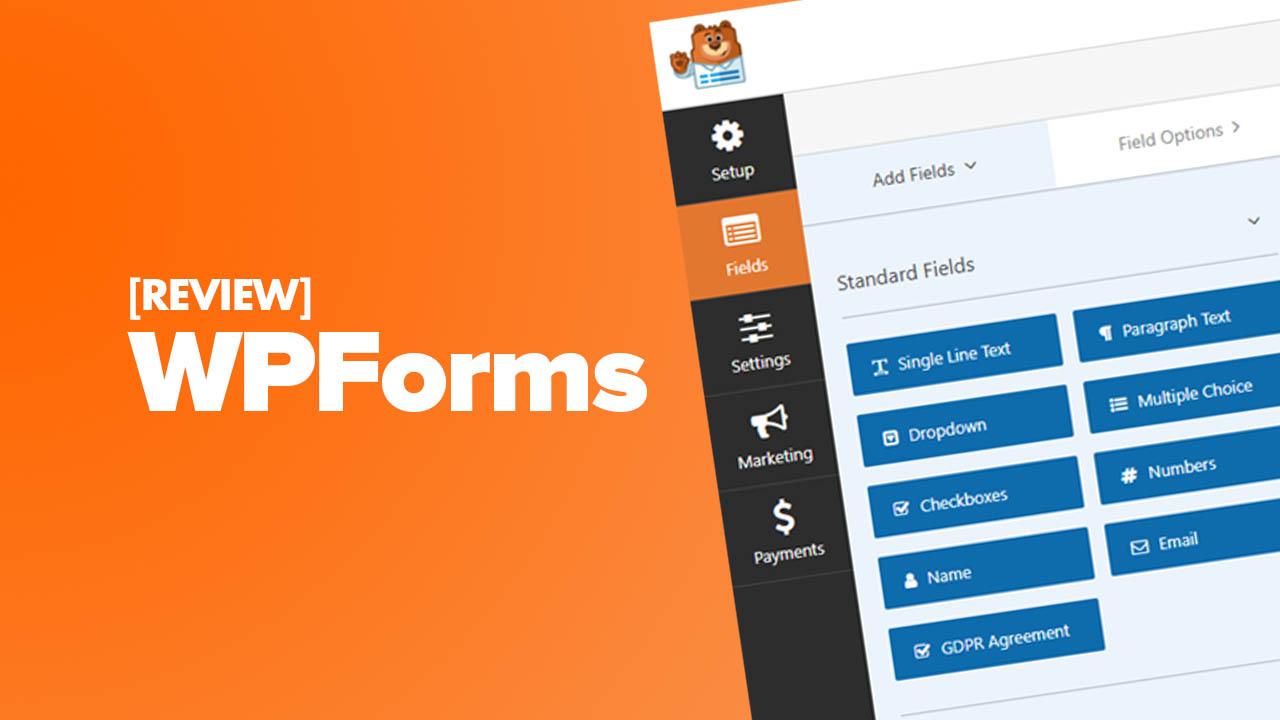
WPForms is a form builder used on over 5 million WordPress sites. Its Pro version ($199.50/year) adds quiz features for users who already rely on it for forms. Just drag in questions, set answers, assign points and write custom result messages, no coding needed.
You can send quiz results by email right away and use conditional logic to show different questions based on earlier answers, creating smart quiz paths. It also connects to Stripe, PayPal, and Square, so you can charge for access to a quiz, certification, or premium result.
Quizzes show one question at a time with smooth transitions, which helps keep people from quitting halfway through. But it doesn’t support advanced quiz formats like drag-and-drop, image hotspots or matching exercises. You’re limited to standard form fields: multiple choice, checkboxes, dropdowns, and text inputs.
10. LearnDash

LearnDash is a full learning management system (LMS) for WordPress. At $199 a year, it’s aimed at course creators, but its quiz tools are powerful enough to stand out on their own. It offers eight question types, multiple choice, true/false, short and long text, file uploads, essays, fill-in-the-blank and rating scales.
You can randomize question order, shuffle answer choices, pull questions from large pools and set time limits that auto-submit when up. These features help prevent cheating and keep assessments fair.
Students must pass one before moving to the next lesson. Pass a quiz and they automatically get a certificate. But LearnDash only makes sense if you’re building full courses. You’ll need to structure courses, lessons, topics and quizzes before anything goes live.
11. Interact
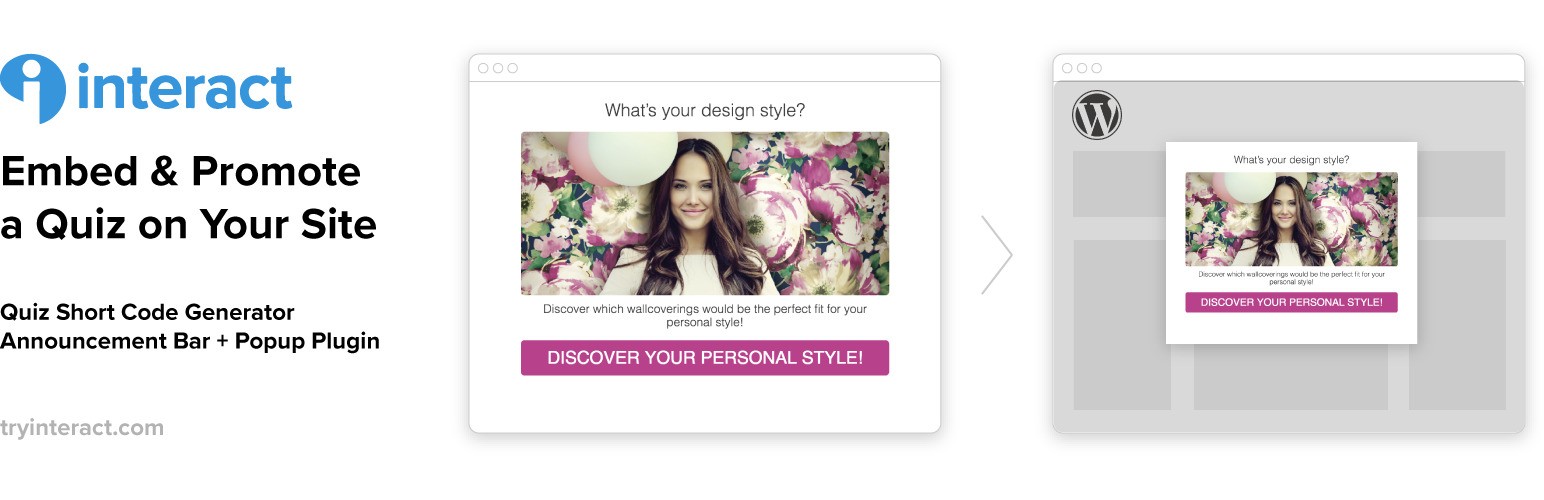
Interact is a web-based quiz service that you embed into your site. Plans start at $39 a month or $29 if paid yearly, which is pricier than one-time plugins but includes ongoing updates, hosting and support.
You’ll find ready-made templates for personality, scored and assessment quizzes, plus tools to match your brand’s colors and style. Lead generation is central to Interact. It offers smart email forms, connects to all major email services and can sort leads based on quiz results.
Dashboards show how your quizzes perform, how many people finish, which results are most popular, and where users drop off, so you can make improvements. Since it runs outside WordPress, your site’s speed isn’t affected. But you do depend on Interact’s servers and must keep paying to keep your quizzes live.
12. Typeform
Typeform is a separate quiz and form platform that you can embed into your site and many WordPress users do, despite the extra step. The free plan gives you unlimited quizzes with up to 10 questions each. Paid plans ($29–$99+/month) lift that limit, add logic jumps, and unlock deeper analytics.
For parents or educators looking for digital choices that still encourage active thinking, tools like this or even puzzle toys that make a better choice than video gamescan help shift screen time toward more engaging, purposeful interaction.
You can use multiple choice, text inputs, dates, file uploads, rating scales and even add images or videos to questions. To add a Typeform quiz to WordPress, just paste an embed code. It loads in a frame, so it keeps its clean look on your page.
Picking The Right Quiz Plugin For Your WordPress Site
- If you want more email subscribers - Go with Thrive Quiz Builder, Quiz Cat or Interact. These are built to collect emails, connect with marketing tools and sort leads.
- If you’re teaching or training - LearnDash, Quiz Maker and Quiz and Survey Master are better choices. They support many question styles, give detailed scores, and can even issue certificates.
- If you’re after shares and likes - WP Viral Quiz and Quiz Cat help you make those fun, personality-style quizzes that spread on social media. They focus on looks, work well on phones, and make sharing easy.
- If you’re watching your budget - Quiz Maker has a solid free version. HD Quiz charges just once, and H5P is free to use. These work great for small sites or personal projects without locking you into monthly fees.
- If you want it to feel like part of WordPress - HD Quiz and Quiz Maker use WordPress’s own tools instead of adding a whole new system. They fit right in and don’t feel like something tacked on.
Must-Have Features In Any Quiz Plugin
- Works well on phones
- Lets you collect emails
- Custom results
- Easy sharing
- Lightweight and fast
- Clear help and support
Common Quiz Plugin Mistakes To Avoid
- Picking based on features, not purpose
- Skipping mobile tests
- Making quizzes too long or complex
- Ignoring the results page
- Not checking site speed
- Forgetting privacy rules
FAQs About Quiz Plugins For WordPress
What’s The Best Free Quiz Plugin For WordPress?
Quiz Maker by AYS Pro gives you the most features without holding anything back in its free version. It supports different question styles, lets you add images and lets you design your own result pages.
Can WordPress Quiz Plugins Connect To Email Marketing Tools?
Most paid quiz plugins work with popular email services like Mailchimp, ConvertKit, ActiveCampaign, AWeber and Constant Contact.
Do Quiz Plugins Slow Down My WordPress Site?
Lighter ones like HD Quiz or Quiz Maker add very little to your page size, usually just 50–100KB. But plugins packed with design features or visual editors can add 200KB to 500KB or more, especially if they load extra scripts or fonts.
Are Paid Quiz Plugins Worth The Money?
They are if you’re using quizzes to grow your business like collecting leads or selling courses. Premium plugins give you better email integrations, detailed stats, unlimited email collection and reliable support.
How Do I Make Sure My Quizzes Work Well On Phones?
Always test on an actual phone, not just your computer’s preview tool. Use big, easy-to-tap answer buttons, keep questions short to avoid too much scrolling, compress images so they load fast and make sure text is readable without zooming
Which Quiz Plugin Is Best For Online Courses Or Teaching?
LearnDash is the top choice for serious online courses. It supports many question types, tracks student progress, sets course requirements and can even issue certificates.
Final Thoughts
To pick the right plugin, start by thinking about your main goal and not just the features. Before you buy, try before you commit. Most paid plugins come with a trial or a money-back guarantee.
There’s no single “best” quiz plugin, only the one that fits your specific goals, budget, tech skills and must-have features. Pick the right one and it’ll help you connect with your audience, gather leads or support learning in a way that’s worth the time and money you put into it.
Also Check Out: How To Earn Money With A WordPress Blog